MoSimulator
A downloadable game for Windows, macOS, and Linux
As of May 2026, MoSimulator is no longer being distributed on Itch. Details are on our website: Download MoSim
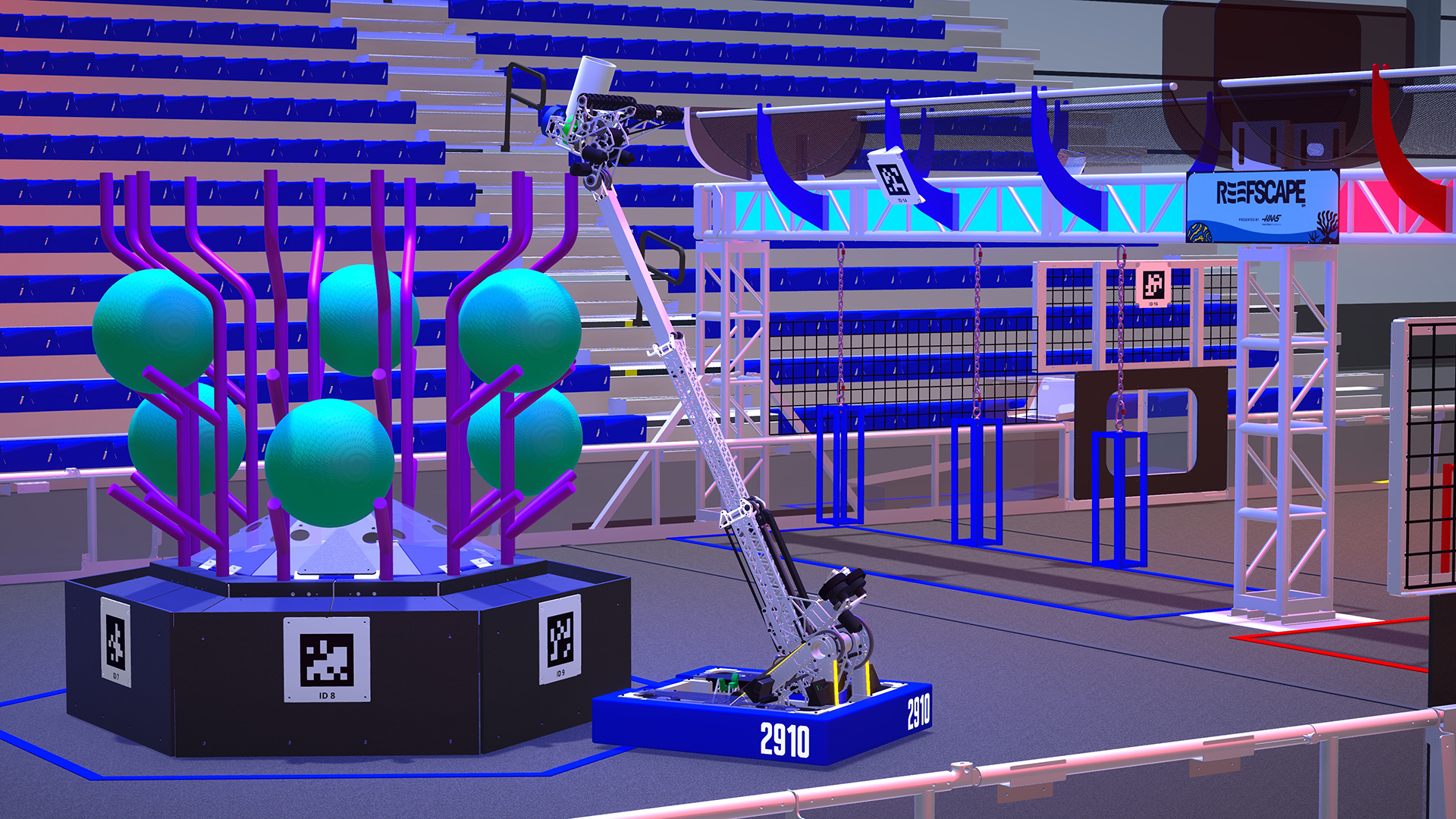
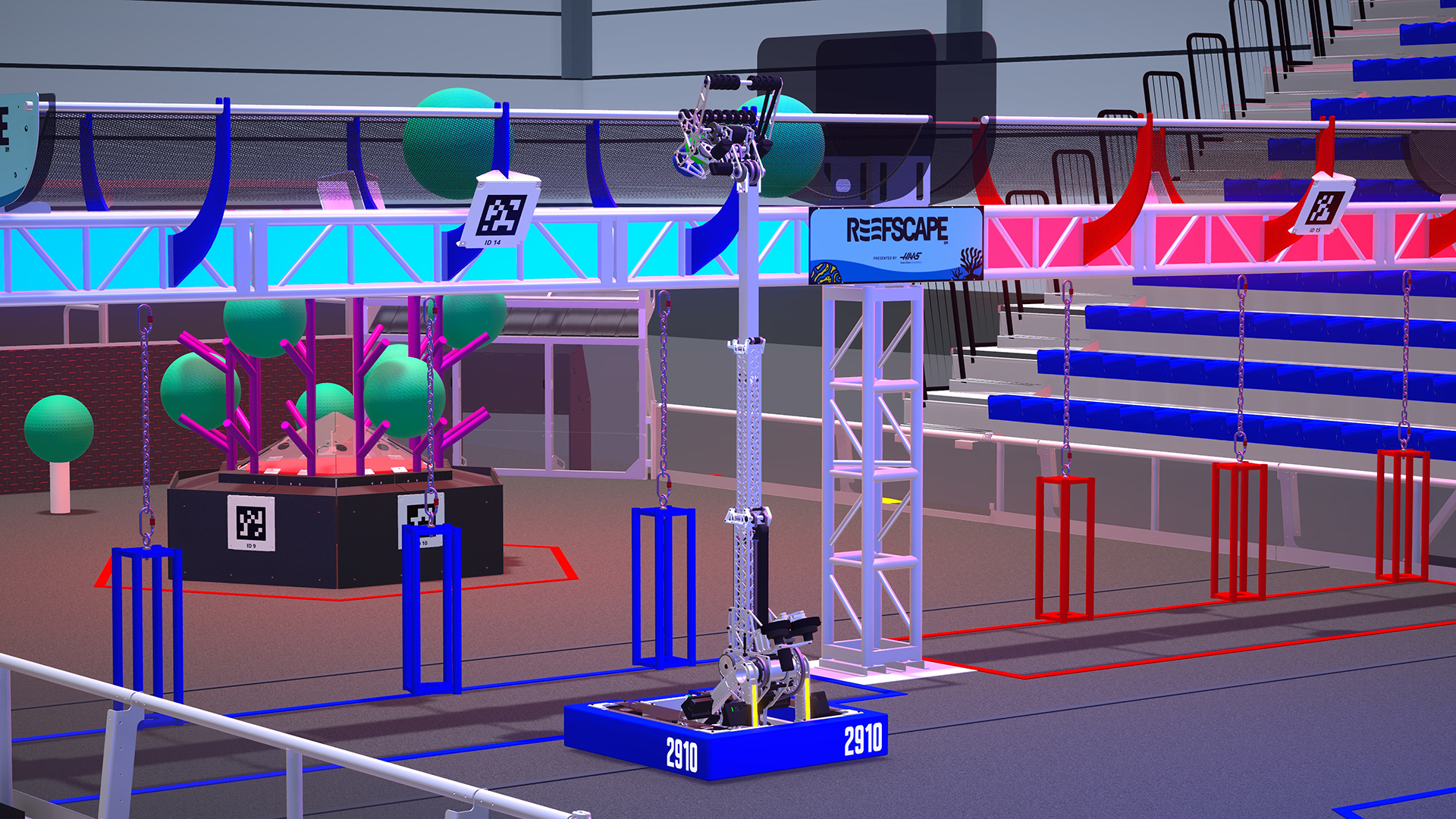
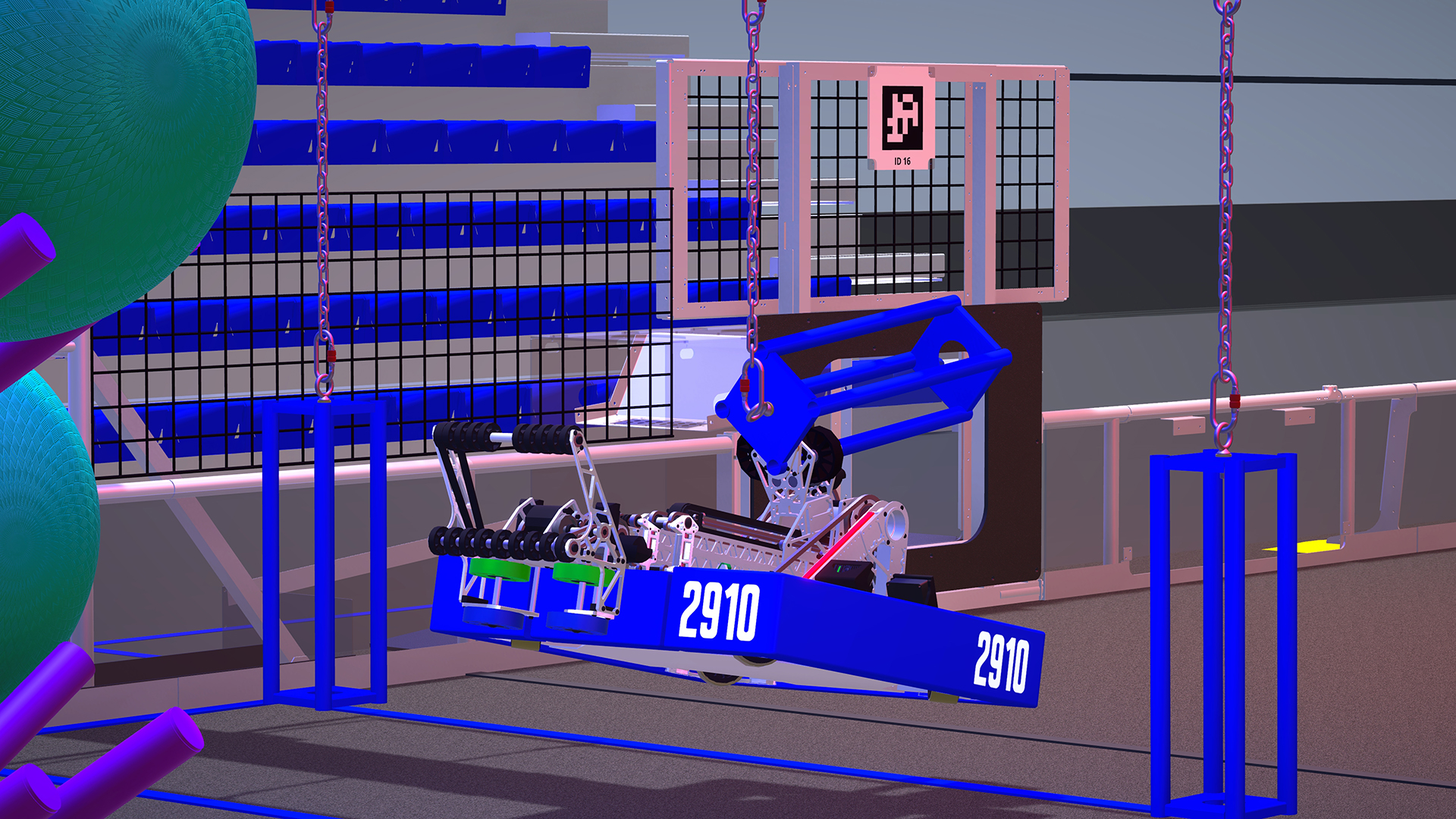
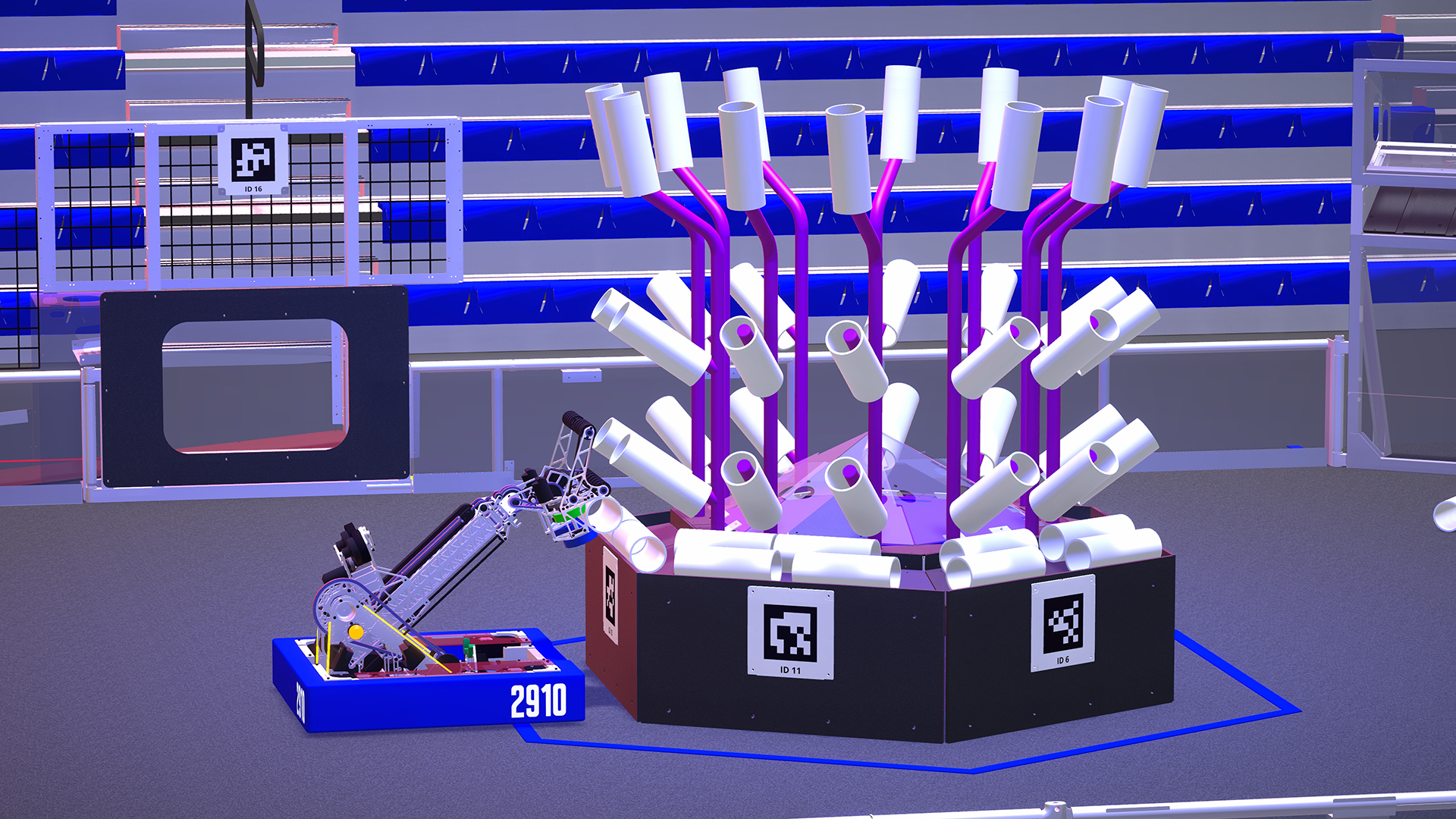
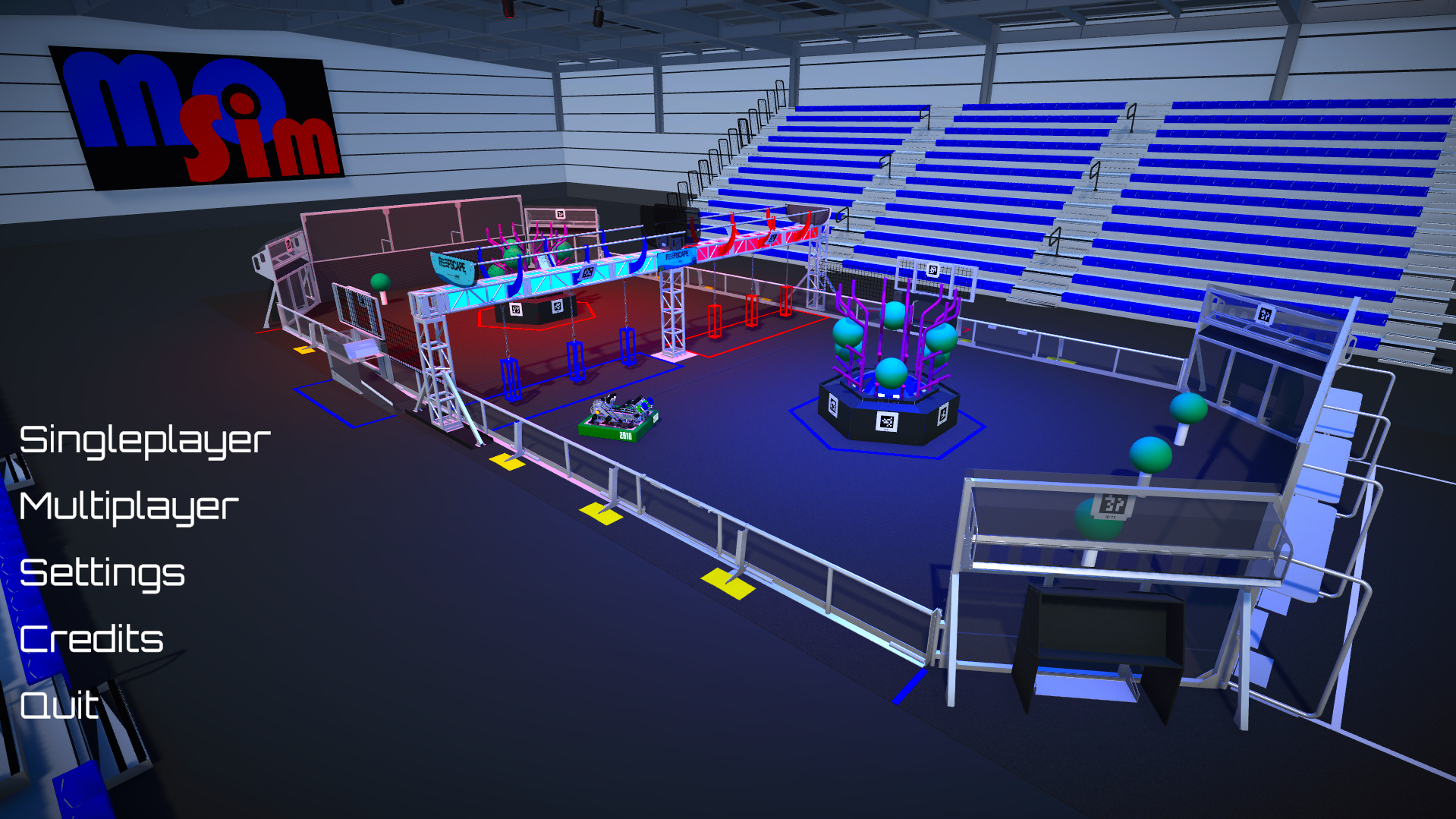
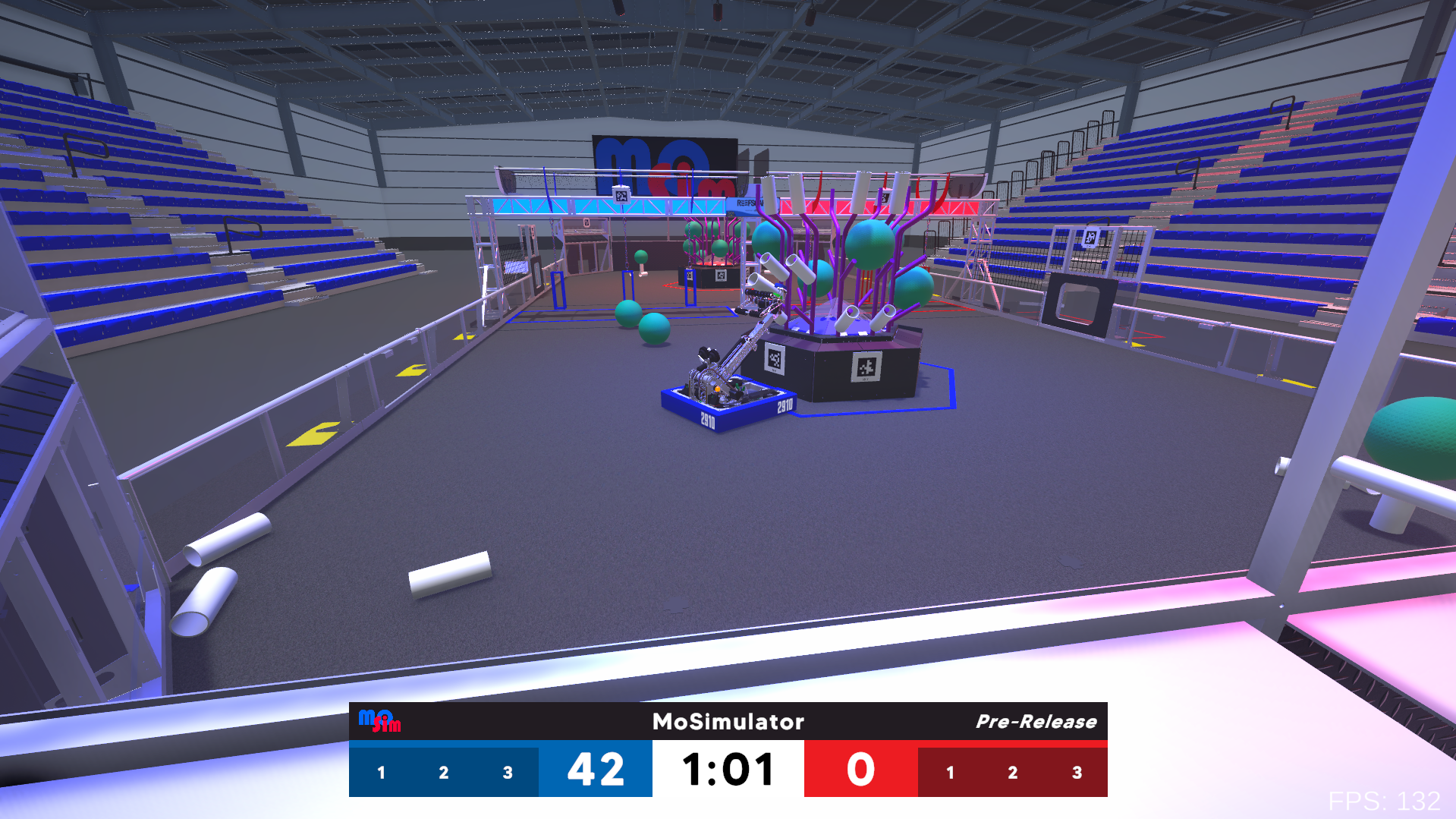
MoSimulator is an FRC driving simulator built in Unity, balancing realism with a classic video game feel. It features semi-automated gameplay and support for custom robots.
The Discord server for MoSimulator can be found here: MoSim Discord
To play your v25 mods, switch to the v25modding version in Steam > MoSimulator > Preferences > Game Versions and Betas
Download
Install instructions
Windows: Download the Windows release, unzip the folder, and then run the MoSimulator executable to launch the game.
macOS: First rename the folder using "mv MoSimulatorV25.1.0-macOS MoSimulatorV25.1.0-macOS.app" then give execute permissions using "chmod +x MoSimulatorV25.1.0-macOS.app/Contents/MacOS/*". After that, open the app using "open MoSimulatorV25.1.0-macOS.app". Finally, go to "Privacy & Security" and click open anyways.
Comments
Log in with itch.io to leave a comment.
Hi, awesome game, really helpful for practice, I was wondering if you could add a single turret bot too
can you make it playable on websites instead of downloading it?
The game is amazing! Have been playing for a little while and must say, it's much better than any other simulator I've played(no offense to xrc, but...). When do you think you're going to put rebuilt out?
Hi nice game amazing job, also really fun to do strategy. But can you please add 6838 X-SHARC's robot
2910 buffs W devs
First off, I want to say amazing job — this is incredible, and I’m addicted. Secondly, I would love it if you could add 1768 Nashoba Robotics. They’re one of the best teams in the NE district and went to Einstein, and I’d love to see more representation from NE. I know you’re probably working on other robots, but I would really appreciate it if you’d consider this one. I love your work and have been playing for extra drive practice. It would also be cool if you could add my team’s robot, Team 9644.
good job gng
when MoSim 2025 begining ?
olso the cheesy poofs please and i am sorry for all the requests but if you can do only one please 5951
can you please add 5951 makers assemble 3339 and bumbleb and 2056
FRC 2025 on public, is the new field on its way?
Probably not till after build season. Most of the developers are FRC students and are pretty busy. However, there is an open-source Unity project with the field and sample robots that are a part of MoSimBuilder. You can check it out in the Discord!
You should add 3543
we want more robots in the game and want to be the game online to play with friends .
You should add 3729
could you add team 4329 into the game? that would be insane
Would 4613 and 3255 be able to be added into the game??
3255 would be insane
Just asking, can you add 2337's (EngiNerds) robot from this year, or 27?
I might... also I don't think team rush has released their cad yet.
Really, this thing is awesome, I would love to have its source code and see if I (or smarter people) can contribute anything. No pressure, but tuning some rough edges (the rotation speed seems to change while translating? If nothing else I may want more options with the joysticks) and adding new features (ferrying/feeding shot, climbing and trapping) would make me crazy. Either way, thanks for the project and great luck with whatever you're onto next.
open source?
This game is great! I like how there is a button to activate the amplification. Maybe you should add a button to drop a note from the source?
could you add the 3476 robot it looks really cool
I don't think their CAD has been released? I may be wrong though.
I'm using an Xbox One Controller and it doesn't work.
same
Yeah Unity seems to not support certain controllers for reasons unknown to me. Not sure exactly how I can fix that.
Tried with xbox one, xbox 360, and ps4. The controllers do "work" but the translation and rotation on the axis doesn't work.
This was not an issue with the v1 beta version and the controllers do work there but not on the latest version.
Try going into the settings menu and upping the rotation and movement speed sliders, and see if that helps fix the axis not working.
Yup that fixed it, guess it defaults to 0 then.